
IPTV player for Android TV, phones and tablets
Your channels. On any screen.
AnyPlayer shows the channels from your playlist — neatly, with TV guide and catch-up. You set everything up on the website, not with the remote.
Channels come from your TV provider — AnyPlayer doesn’t sell them.
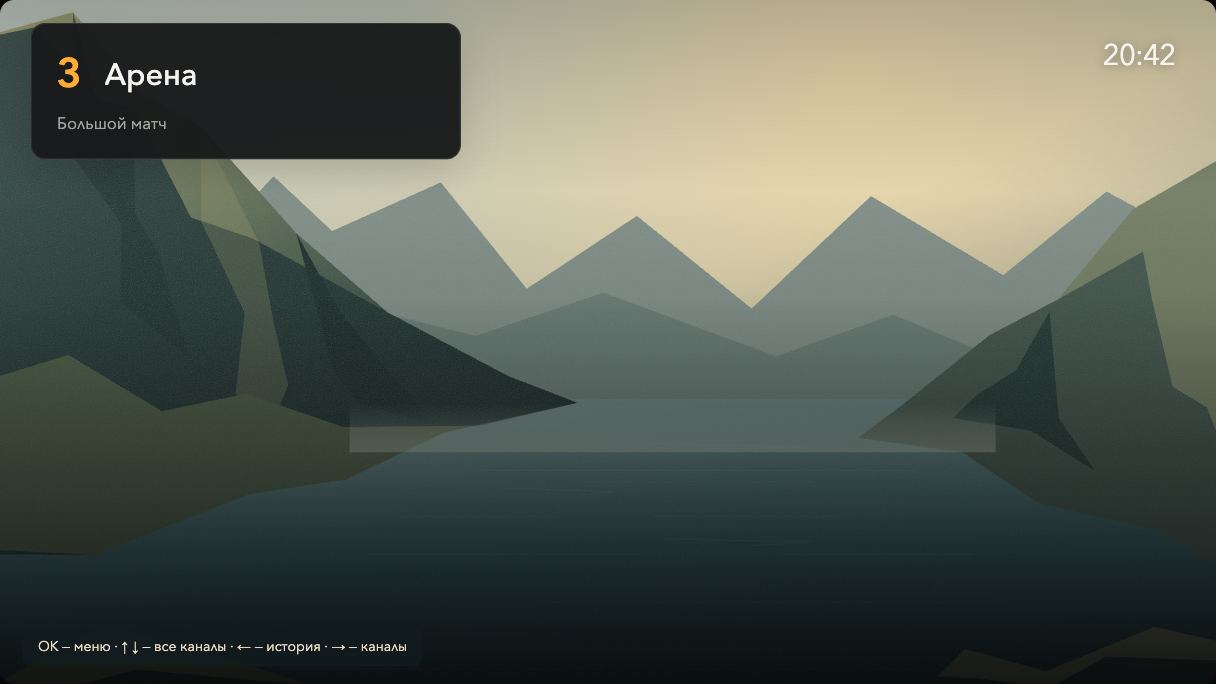
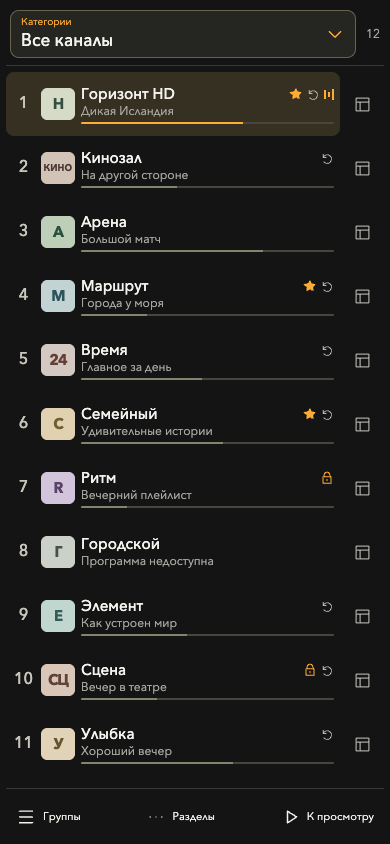
Three steps to your first channel
- 1
Install the app
Via Downloader with code 8869095 or from the APK. We show every screen.
- 2
Connect your TV
Open AnyPlayer and enter the code from the screen on the website.
- 3
Add a playlist
Paste the link or file from your provider — we detect the format.
What it looks like
Real AnyPlayer screens. Choose a device and a section.
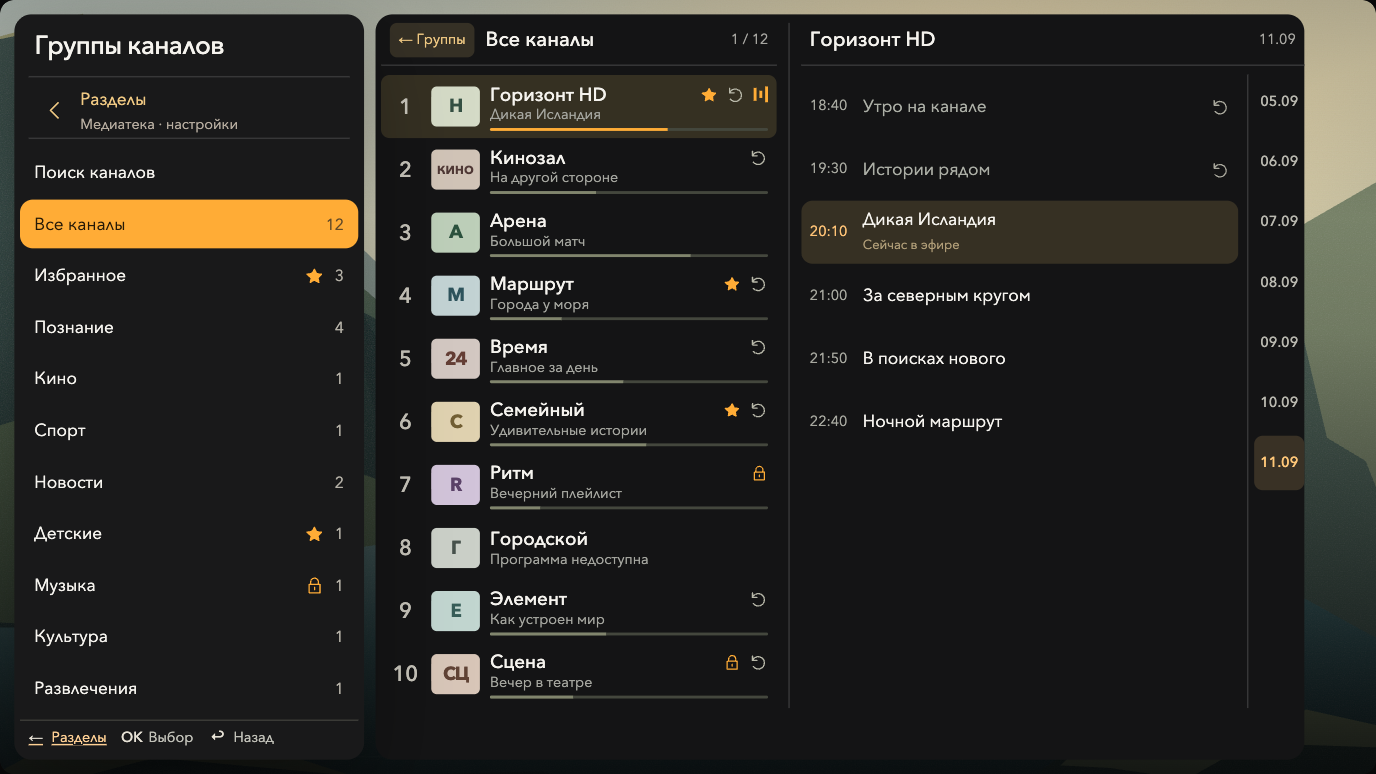
What AnyPlayer does
One account for all screens
Name devices “Living room”, “Kids’ room” — and give each its own list.
Your own channel list
Remove what you don’t need, reorder, combine channels from several playlists.
Catch-up and TV guide
If your provider offers catch-up and a TV guide, you get both in the player.
Library
Your provider’s movies and series in a separate section.
No format picking
Links for Navigator OTT Player and Televizo (OTTplay) are fully supported.
Help at every step
If a link doesn’t respond or a subscription ended, we explain what to do.
Ready to start?
Installation takes 5–10 minutes. The account is free.